

ONIKUMA K19 RGB Wired Gaming Headset with Microphone – Black
ONIKUMA K19 RGB Wired Gaming Headset with Microphone – Black
Couldn't load pickup availability
Delivery
Delivery
Checked
Checkout

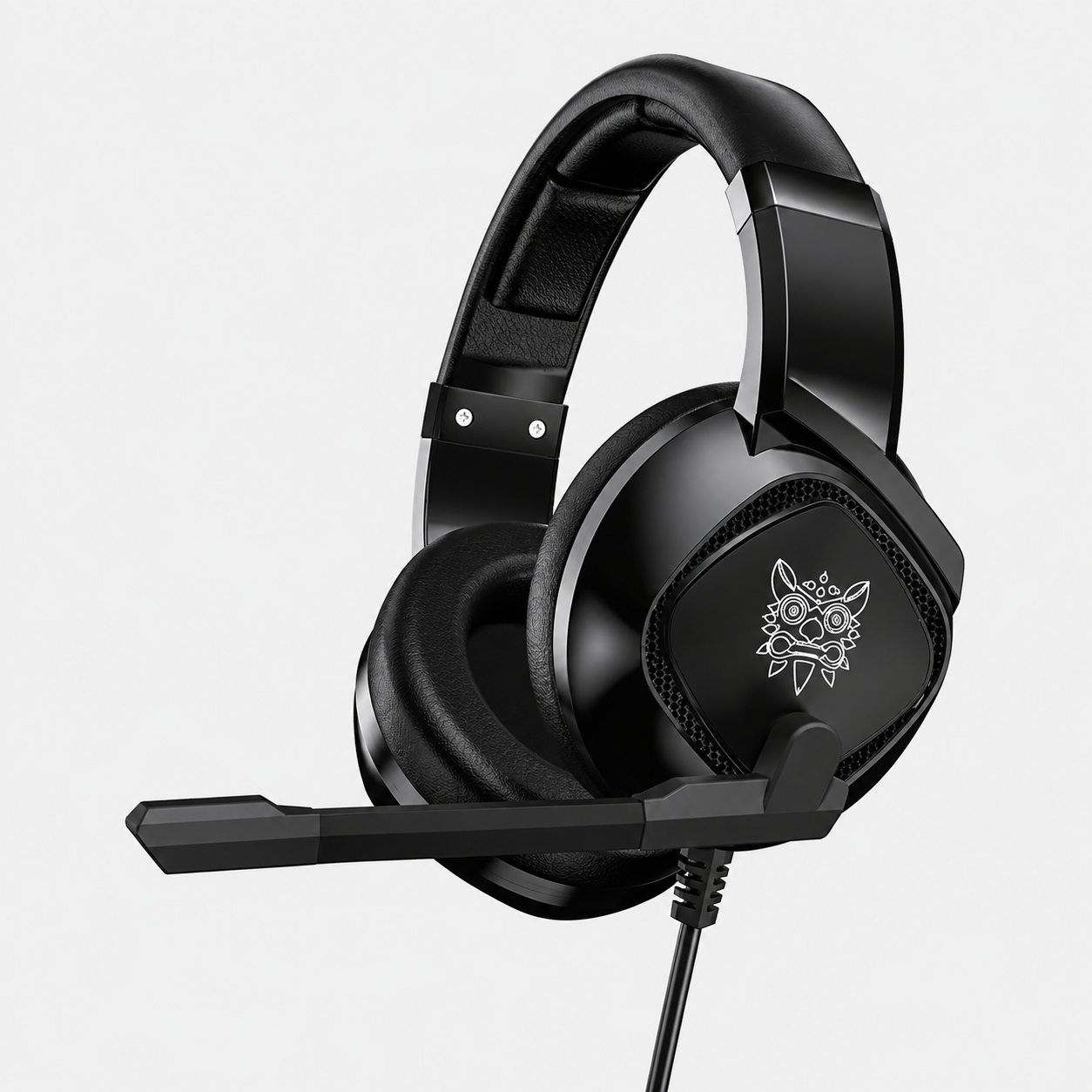
Level up your gaming experience with the ONIKUMA K19 RGB Wired Gaming Headset. Equipped with powerful 40 mm drivers, comfortable padded earcups and an adjustable omnidirectional microphone, it delivers immersive stereo audio and clear team communication across multiple gaming platforms.
The combined 3.5 mm audio connection and USB-powered RGB lighting make it an excellent choice for PC, PlayStation, Xbox, Nintendo Switch, laptops and compatible mobile devices.
Key Features
• Immersive Gaming Audio: Powerful 40 mm drivers deliver clear stereo sound, impactful bass and detailed in-game audio.
• Directional Sound Awareness: Hear important details such as enemy footsteps, gunfire and environmental cues more clearly.
• Clear Communication: The adjustable omnidirectional microphone captures your voice while helping reduce unwanted background noise.
• RGB LED Lighting: Illuminated earcups create a striking gaming look. The USB connection is required only to power the RGB lights.
• Comfortable for Long Sessions: Thick, skin-friendly padded earcups help reduce pressure and provide lasting comfort.
• Adjustable Headband: Easily adapts to different head sizes for a comfortable and secure fit.
• Convenient Controls: Built-in volume adjustment and microphone mute controls provide quick access during gameplay.
• Multi-Platform Compatibility: Designed for use with compatible PCs, laptops, PS4, Xbox controllers, Nintendo Switch, tablets and mobile devices.
• Plug and Play: Connect the headset and start gaming without complicated software installation.
Compatibility
Compatible with devices featuring a standard 3.5 mm audio connection, including:
• PlayStation 4
• Xbox One and compatible Xbox controllers
• Nintendo Switch
• Windows PC and laptop
• Mac computers
• Tablets and iPads
• Android and iOS devices
• Other compatible 3.5 mm audio devices
Please Note
• The 3.5 mm plug carries game audio and microphone signals.
• The USB plug powers the RGB LED lights only.
• RGB lighting will not work unless the USB plug is connected to a powered USB port.
• Some older Xbox One controllers may require a separate headset adapter.
• Mobile devices without a 3.5 mm headphone port may require a compatible adapter.
• Microphone functionality may depend on the device, controller and system settings.
How to Connect to PS4
-
Insert the headset’s 3.5 mm plug into the PS4 controller.
-
Press and hold the PS button to open the Quick Menu.
-
Select Sound/Devices.
-
Open Output to Headphones.
-
Select All Audio.
Package Includes
• 1 × ONIKUMA K19 RGB Gaming Headset
• Included accessories and documentation, where supplied
Delivery Across Pakistan
Nationwide delivery is available. Any free-delivery offer shown on the product page applies to this product.
Cash on Delivery
Cash on Delivery is available for eligible orders and delivery locations across Pakistan.
Warranty & Replacement
Warranty and replacement coverage depends on the product and follows the terms stated on the product page and PhoneVault policies.
- Choosing a selection results in a full page refresh.
- Opens in a new window.